
Yes. Most of the major piano apps, Piano Tree included, can listen to an acoustic piano through the microphone on your phone, tablet or computer. Here is how note detection works, what it does well, what it cannot do yet, and how to set it up on your own piano.
I get this question most often from adult learners with a perfectly good upright in the living room, or a digital piano from 2005 with no USB socket. They want to know two things: whether an app will hear them at all, and if it does, whether they can trust what it tells them. The first answer is usually yes. The second deserves a longer answer.
This post is part of the Piano Tree learning series. For related reading, see How to Practice Piano Sight Reading and Best Piano Sight Reading Apps.
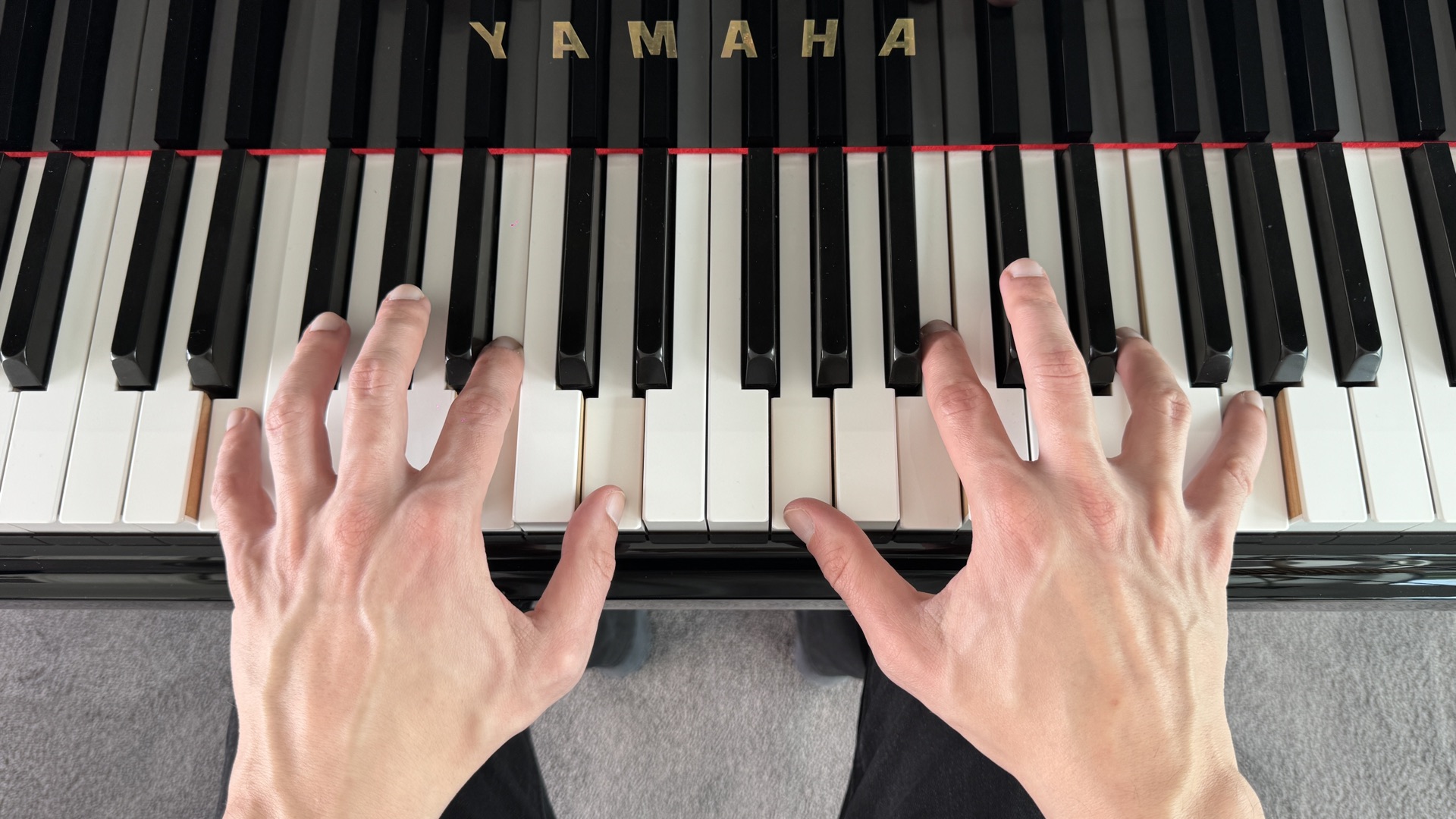
Which Apps Work With an Acoustic Piano
Most of the big ones do. Flowkey, Skoove, Simply Piano and Yousician all listen through your device's microphone, and so does Piano Tree. A few still need a MIDI connection for any feedback at all, and some offer a microphone mode that quietly switches off part of the app, so check before you subscribe. But the real question has moved on from whether an app can hear an acoustic piano to how well it hears, and what it does with what it hears.To judge that, it helps to know what a MIDI keyboard gives an app that a microphone cannot. A MIDI keyboard does not send sound. It sends data: this key went down at this moment, this hard, and came up again here. There is nothing to interpret, so every note can be judged instantly and with certainty. A microphone gives the app sound, and the app has to work out from the sound alone which keys you pressed. That is a far harder problem, and every app that solves it is making an educated guess.
How Microphone Note Detection Works
Every piano note is a bundle of frequencies. Play middle C and the string vibrates about 262 times a second, but it also produces a series of quieter overtones above that: C an octave up, then G, then C again, then E. Your ear hears the whole bundle as one note. An app has to hear the bundle and work backwards to the key you pressed.For a single note in a quiet room, that problem is solved and it works well. Chords are where it gets hard, because notes share overtones. Play C and G together and the G is already sitting inside the C as one of its overtones, so the app has to decide whether it is hearing two keys or one. Add the sustain pedal, a fast passage and a dishwasher in the next room, and you can see why the companies that do this best have spent years and a great deal of money on it, and still get it wrong now and then.
Timing is the other half, and it is the easier half. The start of a note is sharp and distinct, so an app can usually tell when you played something even when it is less certain about what. That is good news for sight reading, where pulse matters more than anything.
The microphone is an excellent listener and an unreliable judge. A well-designed app is built around that difference.
What It Does Well
On any piano, including an upright that has never seen a cable, microphone detection can reliably:- Recognise single notes, and chords when they are played cleanly
- Tell when you played, which is what rhythm scoring needs
- Confirm that what you played matches what was written, well enough to keep you moving through a piece
For sight reading practice, that is most of what you need. Sight reading is about pulse, continuity and reading ahead, and all three can be trained through a microphone.
What It Cannot Do Yet
This is the part most app marketing leaves out, so I will be specific.It cannot reliably tell you which note you got wrong. It usually knows that something was played and roughly when. It is far less sure about exactly what, particularly in chords and fast passages. An app that flags wrong notes from a microphone will sometimes flag notes you played correctly, and a false correction is worse than none. It teaches you to distrust the feedback, and it makes you stop, which is the one habit sight reading practice exists to remove.
This is why Piano Tree's microphone mode does not flag wrong notes. We had it, the detection was not reliable enough to do it with confidence, and we removed it rather than leave in something that was wrong often enough to notice. If note-by-note correction is what you want, MIDI is still the only input that delivers it properly, and that is true of every app, whatever the marketing says.
It struggles with very soft playing, heavy pedal and noise. A pianissimo passage under a held pedal, with the television on next door, is close to the worst case.
It is thrown by a badly out-of-tune piano. Detection assumes your A is somewhere near 440 hertz. A piano that has not been tuned in ten years can drift a quarter tone or more, and at that point the app is guessing. If yours has not been tuned in years, fix that before you blame the app. Your ears will thank you anyway.
Setting It Up on Your Piano
Most microphone problems are setup problems. Ten minutes here saves weeks of frustration.Placement. Put the device where it hears the piano more than the room. On an upright, the music desk is fine, and opening the top lid helps more than people expect. On a grand, the music desk with the lid on the short stick works well. Within about a metre of the strings, facing the instrument, is the rule. Never on the floor.
Quiet the room. Windows closed, fan off, no conversation, no TV in the next room. The app cannot tell your piano from your kettle.
Play with a clear, moderate touch. Not loud, but definite, so each note starts cleanly. Ease off the sustain pedal while you practise with the app. Sight reading practice does not need it anyway, and it blurs what the microphone hears.
Check the level before you start. If the app shows a level meter, use it. Too quiet, move the device closer. Distorting, move it back or play a little softer.
Grant the permission once, properly. Phones and browsers ask before using the microphone. If you tap no the first time, some devices keep it blocked silently, and the app looks broken when it is only deaf. If nothing registers at all, check the microphone setting for the app before anything else.
MIDI, Microphone or Neither
If you own a digital piano with a USB port, use MIDI. It is more accurate and it switches on everything, including proper wrong-note feedback. One cable is all it takes, and older digitals with the round five-pin MIDI sockets can connect through an inexpensive MIDI-to-USB adapter. Our MIDI setup guide walks through it.If you own an acoustic piano, or a digital with no way to connect, use the microphone and set it up properly. You do not need to buy a keyboard to practise sight reading with an app.
And if you only want to read along with the score and the audio, with no feedback at all, that works too. Plenty of my students do their score study on the train.
Where Piano Tree Fits
Piano Tree was built as a sight reading app first, and that shaped how we approached the microphone. The input switcher offers three options, MIDI, microphone or listen-only, and with the microphone you can practise on an acoustic piano in both Practice and Play mode: the notes you play are drawn on the staff as you play them, chords included, and your rhythm is scored, with the timing tolerance adjusted to the difficulty of the piece. On iPhone and iPad you can choose which microphone the app uses and check the input level before you begin. Android and the web version support microphone practice as well.What it does not do is flag wrong notes in microphone mode, for the reasons above. Connect a MIDI keyboard and that switches on. Without one, you can still work through the whole graded library on the piano you already own.
Practise sight reading on your own acoustic piano with Piano TreeCommon Questions
Does it work with a digital piano that has no USB port?
Yes, through the microphone, exactly as with an acoustic. If the digital has five-pin MIDI sockets, a MIDI-to-USB adapter is usually the better option, because you get full note feedback.
Do I need to buy a separate microphone?
No. The built-in microphone on a modern phone or tablet is fine. An external microphone rarely improves detection enough to be worth the money for this.
Will it work on a laptop through the browser?
Yes, in any modern browser that supports microphone access. The browser asks for permission the first time, and you need to allow it.
The Short Version
A piano app can work with an acoustic piano, and most of the major ones do. What separates them is what they do with what the microphone hears. Microphone detection is reliable enough for rhythm, for chords played cleanly, and for confirming that you played what was written. It is not reliable enough to grade every note, and an app that claims otherwise is guessing on your behalf.
Set the device up properly, keep the pedal light, and use the microphone for what it is good at. If you can connect MIDI, connect it. If you cannot, you do not need to buy a keyboard to start.
This post is part of the Piano Tree learning series. Continue with How to Practice Piano Sight Reading, Learning Music as an Adult, and Best Piano Sight Reading Apps.